Introduction
The Offline Bitcoin ATM is a coin-operated Bitcoin Lightning ATM built around an ESP32 microcontroller. A user inserts physical euro coins; the firmware tallies their value and renders an LNURL-withdraw QR code directly on the display — an e-paper panel, or the 3.5” touchscreen of the JC3248W535C board. The user scans it with any Lightning wallet to withdraw the equivalent amount of bitcoin.
How it works offline
The ATM never needs an internet connection while it is running. Instead of contacting a server to create each withdraw link, it generates the LNURL-withdraw payload locally using the LNbits FOSSA protocol:
On setup you pair the device with an LNbits wallet + FOSSA extension, which gives the ATM a shared secret and an API base URL.
When coins are inserted, the firmware encrypts the amount and a random PIN into a compact payload (AES-256-CBC under the shared secret — encrypted, not signed) and encodes it as a bech32
LNURLstring.That string is shown as a QR code. When the user’s wallet follows it, the wallet’s internet connection talks to your LNbits server, which validates the payload and pays out — so only the user’s phone needs to be online, never the ATM.
This is what lets the ATM operate in places without WiFi, while still settling real Lightning payments.
Warning
The displayed QR code is a bearer instrument. The payload carries no expiry and no device or session identifier, and the ATM is offline, so it cannot revoke what it has minted: anyone who photographs the screen while the code is up can race the customer to redeem it. LNbits rejects a second redemption of a claimed payload, so the exposure is a race for a single use rather than unlimited replay — but a code left on screen (the ATM shows it for up to 10 minutes, and an e-paper panel keeps the last image with no power at all) stays redeemable until it is claimed or overwritten. Site the ATM where the screen is not overlooked, and treat “reset” as discarding a code that remains valid rather than cancelling it.
State machine
The firmware runs a simple loop: it sits idle showing a welcome (or the optional BlockClock display), counts coins while they are being inserted, and once the user presses the button (or taps the touchscreen) it shows the withdraw QR code. See Architecture for the architecture.
Gallery
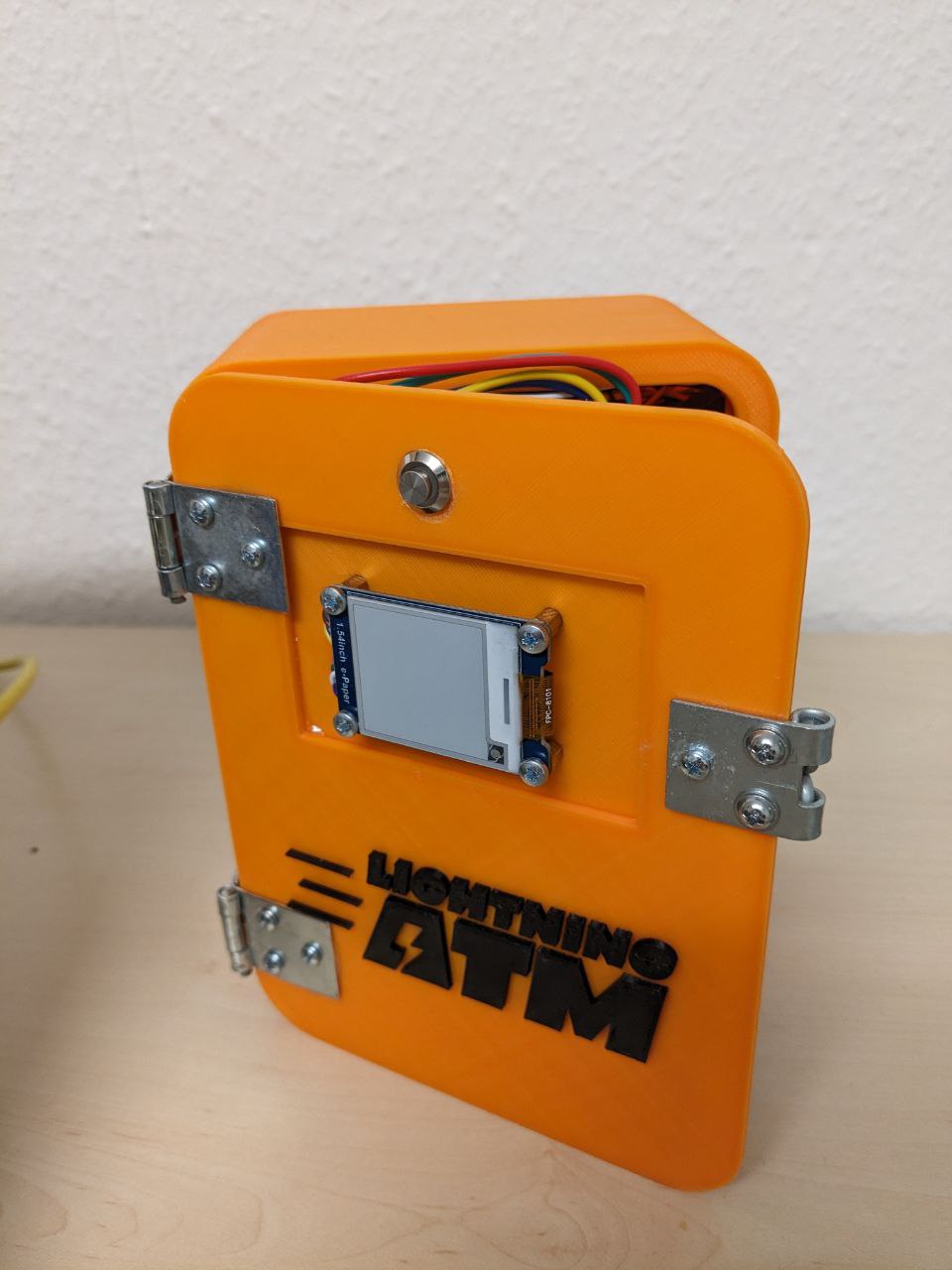
An assembled Offline Bitcoin ATM.
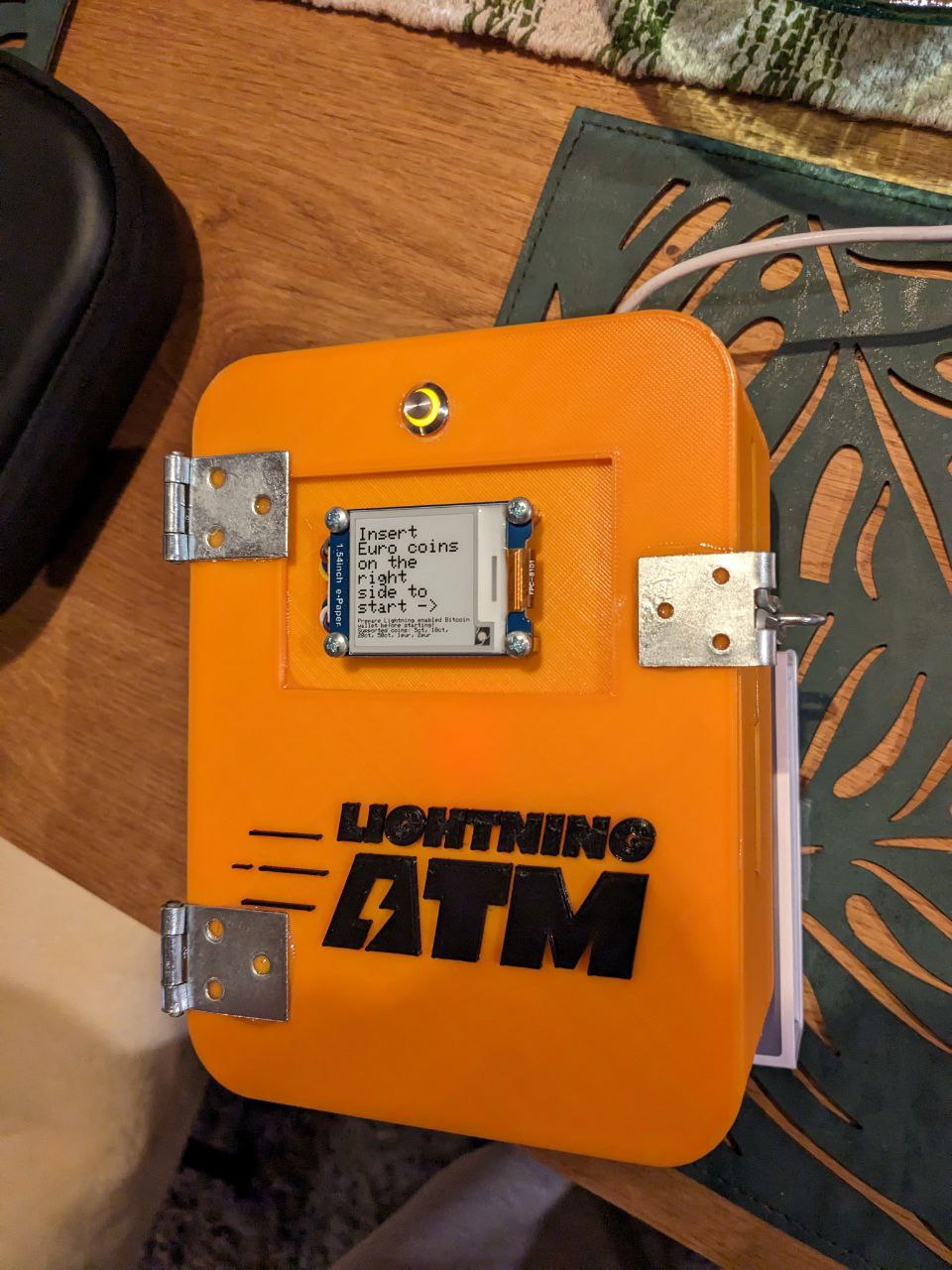
More construction photos of the Waveshare-ESP32 build are in Hardware Assembly.
Special thanks
This project stands on the shoulders of several others:
@21isenough and contributors — for the 3D models and inspiration, via the Raspberry-Pi based Lightning ATM.
LNbits, Ben Arc and Stepan Snigirev — for the cryptography that makes this ATM work without an internet connection, via the FOSSA ATM repository (LNbits homepage).
Axel Hamburch — for the very detailed German-language guide on assembling the electronics, at the Ereignishorizont blog.
@marcelhino — for the OrangeClock project, whose code was used as reference for the “BlockClock” idle display mode.
Contact & support
If you need help, reach out on Nostr:
npub1z9n5ktfjrlpyywds9t7ljekr9cm9jjnzs27h702te5fy8p2c4dgs5zvycf.
If this software and guide were useful to you, feel free to send some sats — message on Nostr for a Lightning address.