Configuration
After flashing, the ATM needs to be paired with a funding source — an LNbits wallet with the FOSSA extension. This is what lets the device generate valid LNURL-withdraw codes completely offline (see Introduction).
1. Create the LNbits FOSSA connection
Create an LNbits wallet. Add the FOSSA extension and create a new ATM connection in the extension by clicking NEW FOSSA.
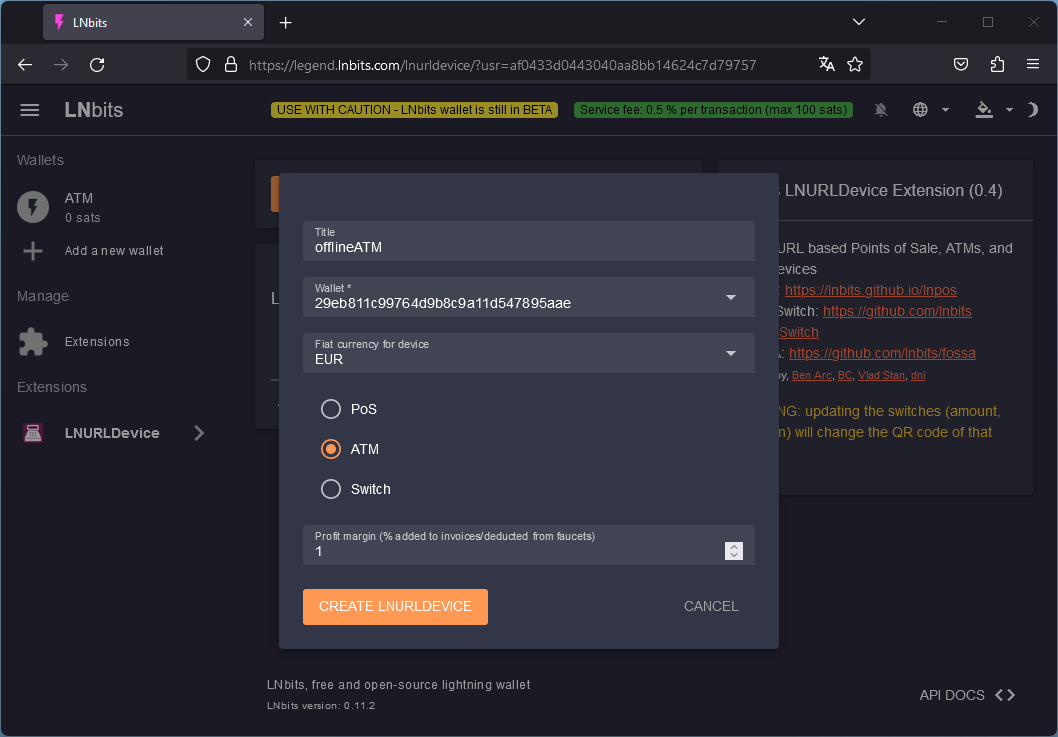
Creating a new FOSSA connection in the LNbits extension.
2. Enter the connection string on the device
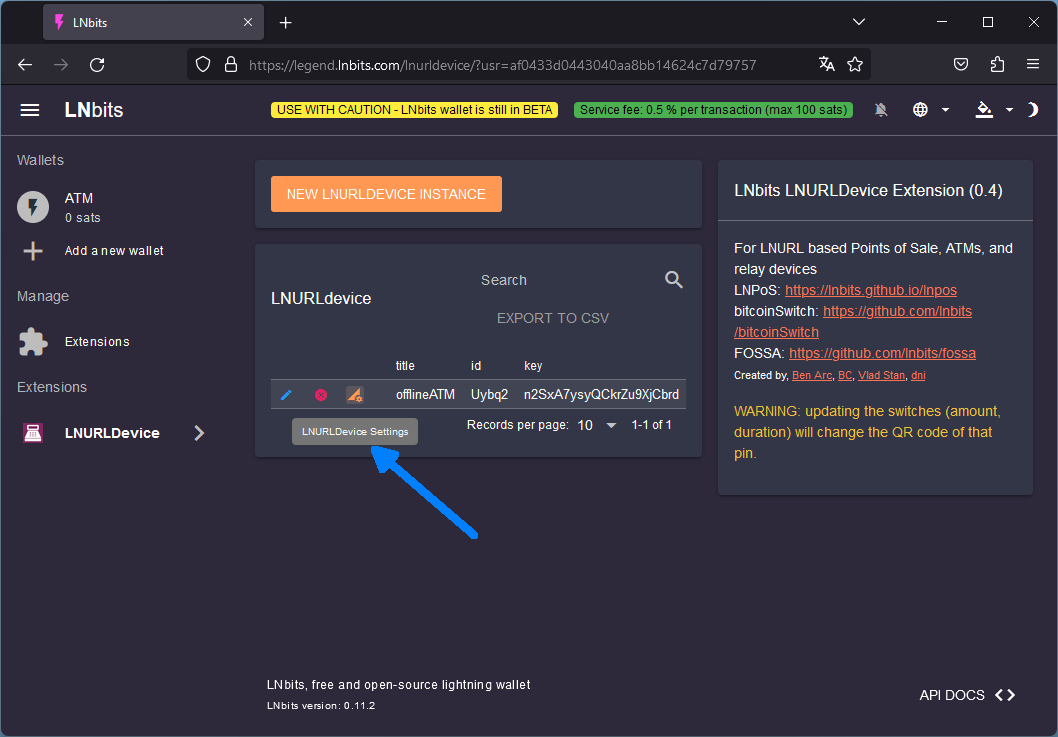
Copy the FOSSA connection string. The ATM stores its configuration in flash memory; on first boot it starts a WiFi access point where you enter that string.
Connect to the
LightningATMWiFi network. It is WPA2-protected with a per-device password of the formatm-xxxxxxxx, wherexxxxxxxxis the last four bytes of the access point’s MAC address (its BSSID, which most WiFi scanners show). The password is also printed on the serial log at boot, and the JC3248W535C touchscreen displays it while the portal is active.Open http://192.168.71.1 in your browser — or http://atm.local if your phone or laptop resolves mDNS (Android in particular often does not).
Paste the FOSSA connection string, pick your board and display type, and save.
(The JC3248W535C touchscreen shows these connection instructions on its screen while the portal is active. On the e-paper builds the button LED blinks once every two seconds while the portal is open, and the coin acceptor is held shut for the whole session.)
Note
The form is pre-filled with whatever is already stored, except for the FOSSA connection string and the WiFi password — those are never sent back to the browser. Leave them blank to keep the stored values.
A portal opened with the BOOT button on an already-configured device closes itself after 15 minutes and restarts into normal operation.
The on-device WiFi configuration portal.
Tip
To reconfigure the ATM later, hold the BOOT button (GPIO 0) on the ESP32 during power-on. The device will re-enter the WiFi configuration portal. The BOOT button is on the ESP32 board inside the enclosure and is not accessible to end users.
Optional: BlockClock idle display
The firmware can show Bitcoin network data (block height, price, fees, difficulty, mempool stats) on the display while the ATM is idle — the “BlockClock” mode, fetched in the background from mempool.space. This requires a WiFi network with internet access and is configured in the same portal. It is purely a display feature and does not affect offline withdrawals.